Overview
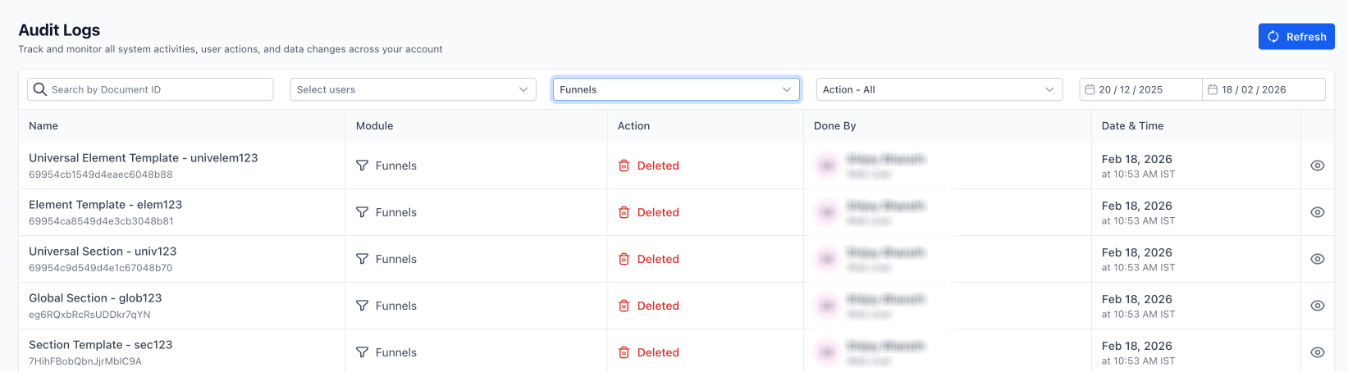
We’ve improved visibility inside the Page Builder. You’ll now see audit logs whenever key saved assets are deleted.
What’s Included
Audit logs are now created for:
- Section Templates
- Global Sections
- Universal Sections
- Element Templates
- Universal Element Templates
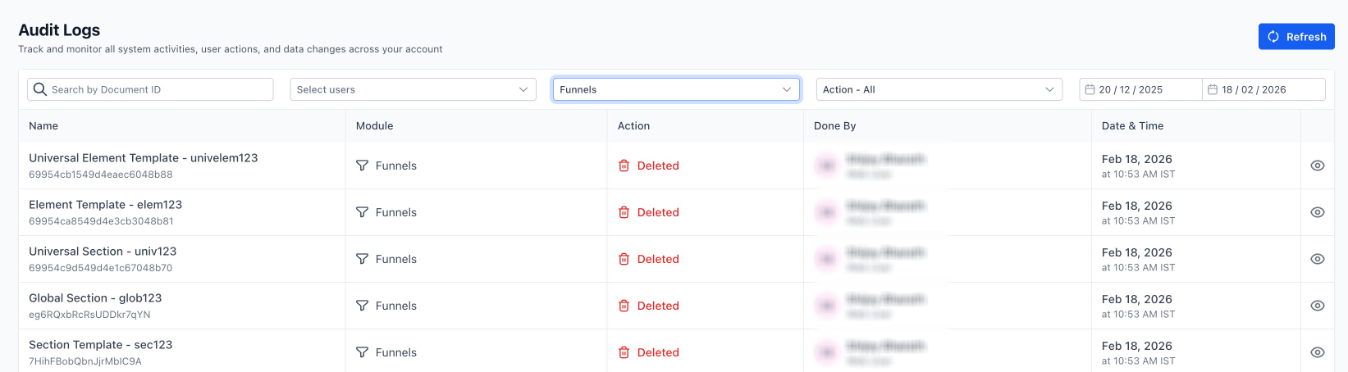
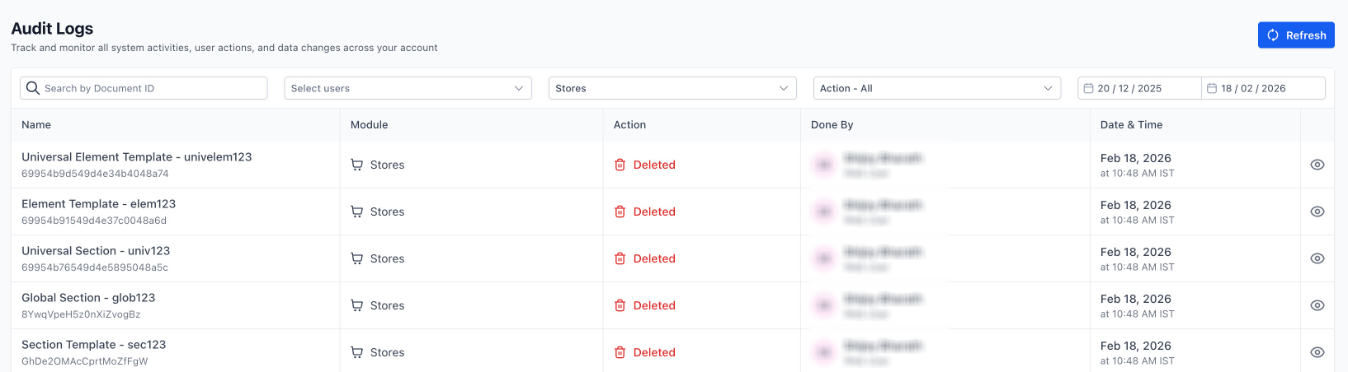
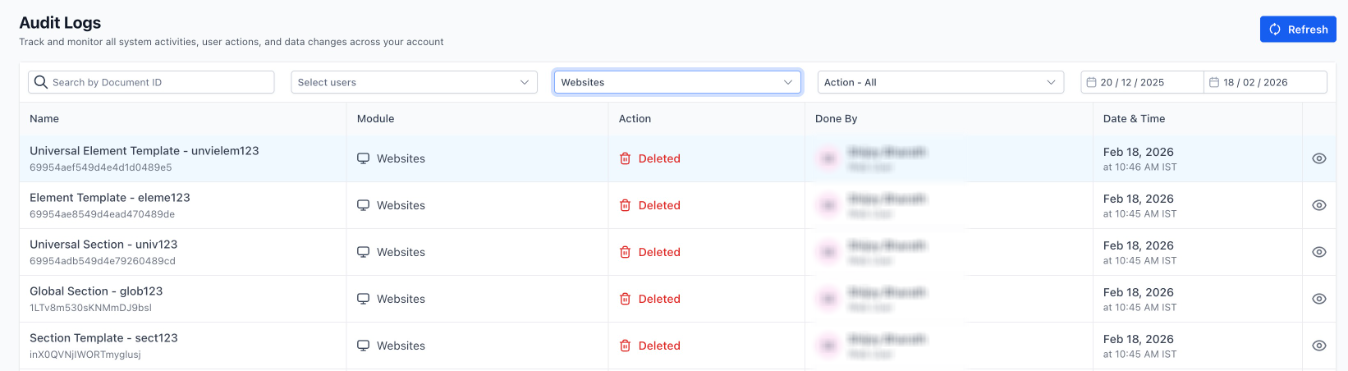
This works across Funnels, Websites, Stores, and Webinars.
What Gets Logged
When You Delete
: If any of the assets above are deleted, a “Deleted” audit log entry is created with- The asset name
- The asset ID
How to Access Audit Logs
You can view these logs by going to:
- Settings → Audit Logs
- Search by user
- Filter by action
- View timestamps and change details
Why This Matters
This update gives clear visibility into deleted builder assets, ensuring nothing gets removed without a trace. It makes it easier to identify what was deleted and when it happened, so you can quickly investigate missing assets.
Was this article helpful?
That’s Great!
Thank you for your feedback
Sorry! We couldn't be helpful
Thank you for your feedback
Feedback sent
We appreciate your effort and will try to fix the article